For iPhone and Apple Watch
Said and sorted.
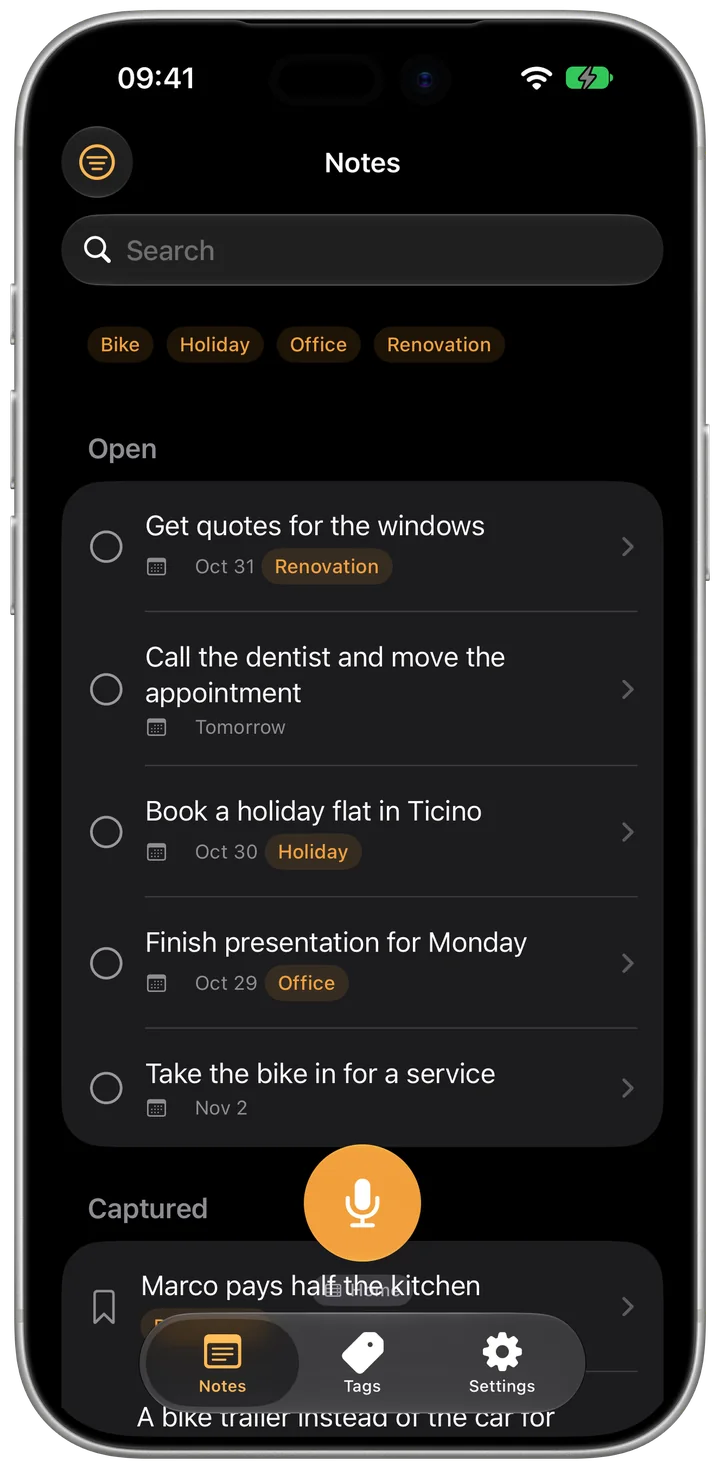
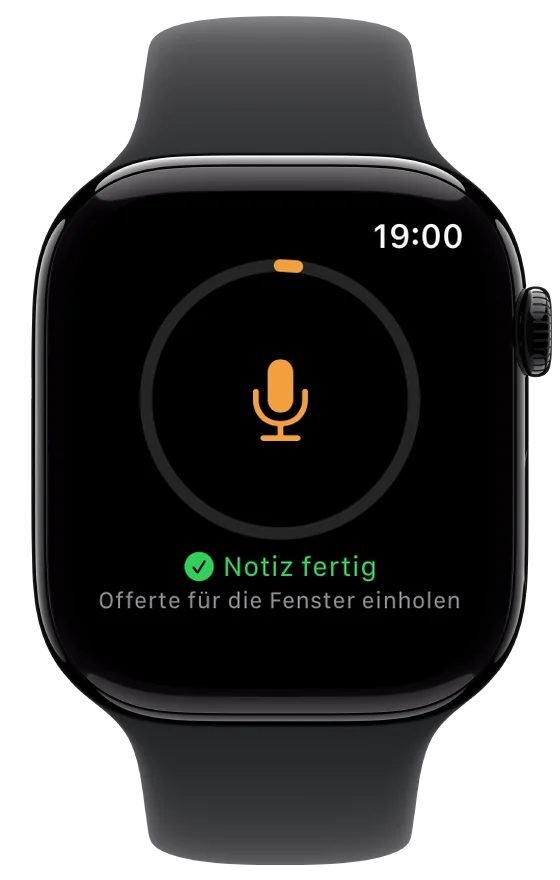
Speak an idea and the task is already written. PhoneWhisperer records, understands you — dialect included — and files a clean entry: title, note, due date and the right category. No account, no sign-in.
Free and offline on your iPhone. Recordings and notes stay on your device.
Three steps
Tap and talk
One tap on the microphone and it is recording — no second screen, no confirmation. Also from the Action button, Siri, Shortcuts or the home screen long-press menu.
Let it understand
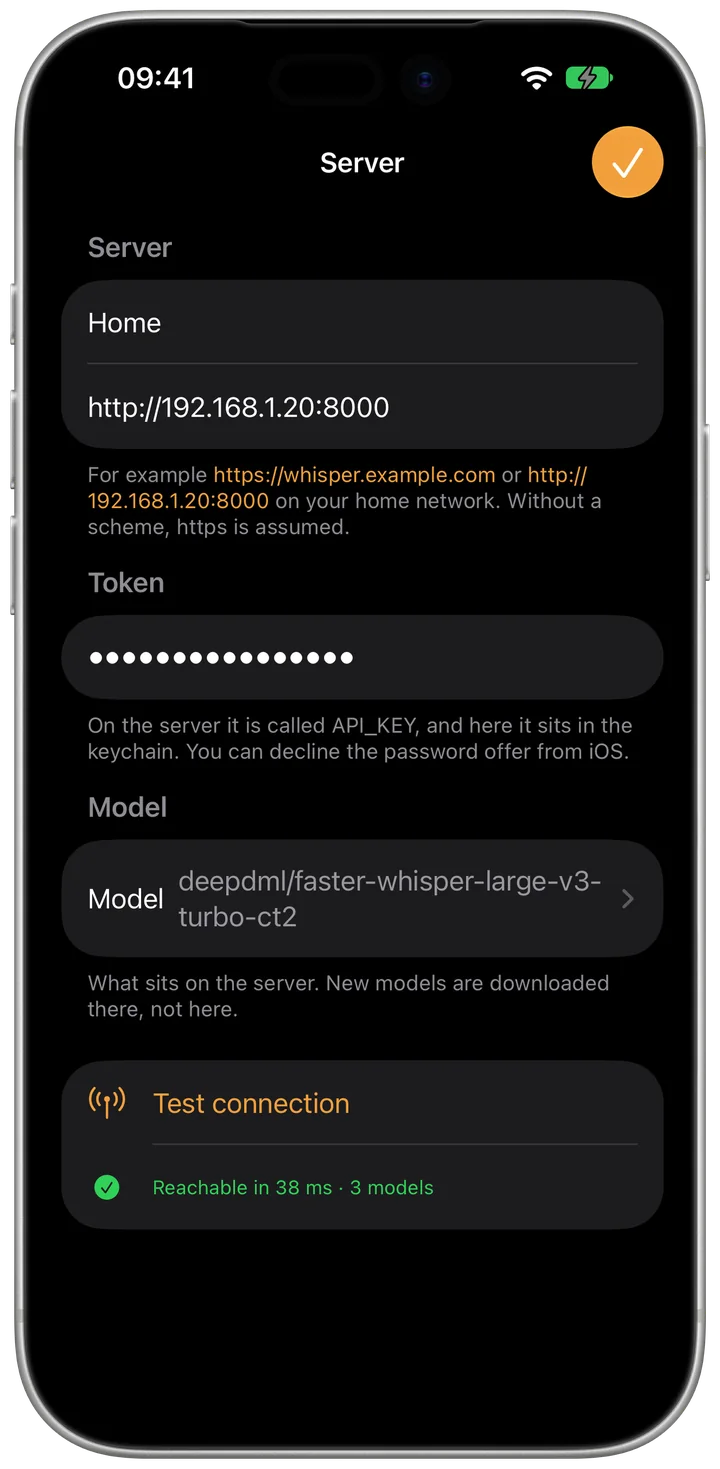
Apple's speech recognition transcribes as you speak; Whisper understands more, especially with dialect. You decide what does the work: the iPhone or the cloud.
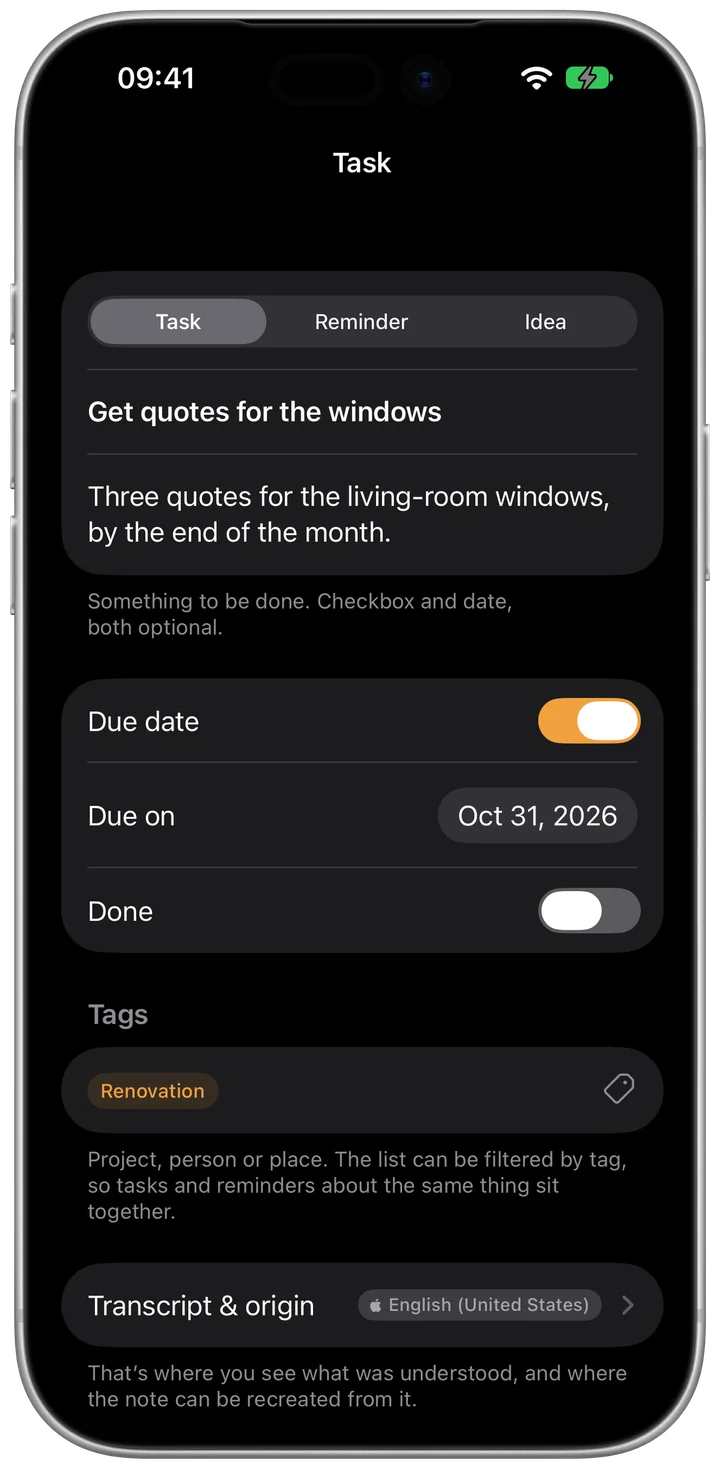
Get a finished task
Title, note, due date, category and tags are already there. One tap overrides any of it.
More than dictation
To-do, reminder or idea
The app decides which it is and phrases each differently. An idea has no checkbox; a reminder always has a date.
Due dates from what you said
“Next Tuesday” becomes a date. The app computes it; the model only passes on what it heard.
Tags it recognises again
Created once, applied by itself next time — even when speech recognition mangled the name.
Capture from your wrist
Complication, Control Center button or the watch app. If the iPhone is away, the recording waits and goes as soon as it is back.
Into Apple Reminders too
Optionally every entry also lands there, in its own list per kind. The checkbox syncs both ways.
Compare models
Every recording is kept. Run several models over the same words later and put the results side by side.
Free on device — or fast in the cloud
Recognition on a phone is good, but capped: a Whisper model takes 632 MB to 1.5 GB, needs one to three minutes of one-time preparation, and has to be loaded again after every app launch. If you no longer want to watch the waiting, switch to PhoneWhisperer Cloud.
- No download, no preparation, no loading after launch
- A model larger than any phone could hold
- Seven days free to try, then billed by seconds of speech
- You are charged once the transcript is actually back
What never leaves your iPhone
No account, no sign-in, no analytics, no advertising, no trackers. As long as transcription runs on the device, no recording and no text leaves it. Let the cloud do the work and the recording goes exactly there — transcribed in memory and discarded afterwards, neither stored nor logged.
On device or cloud?
The same comparison the app shows, at reading pace: what your device can handle, what the cloud costs and where the difference really lies.